 Help Center
To edit the prompt of a generated video, select the Versions option located at the bottom left corner of the page.
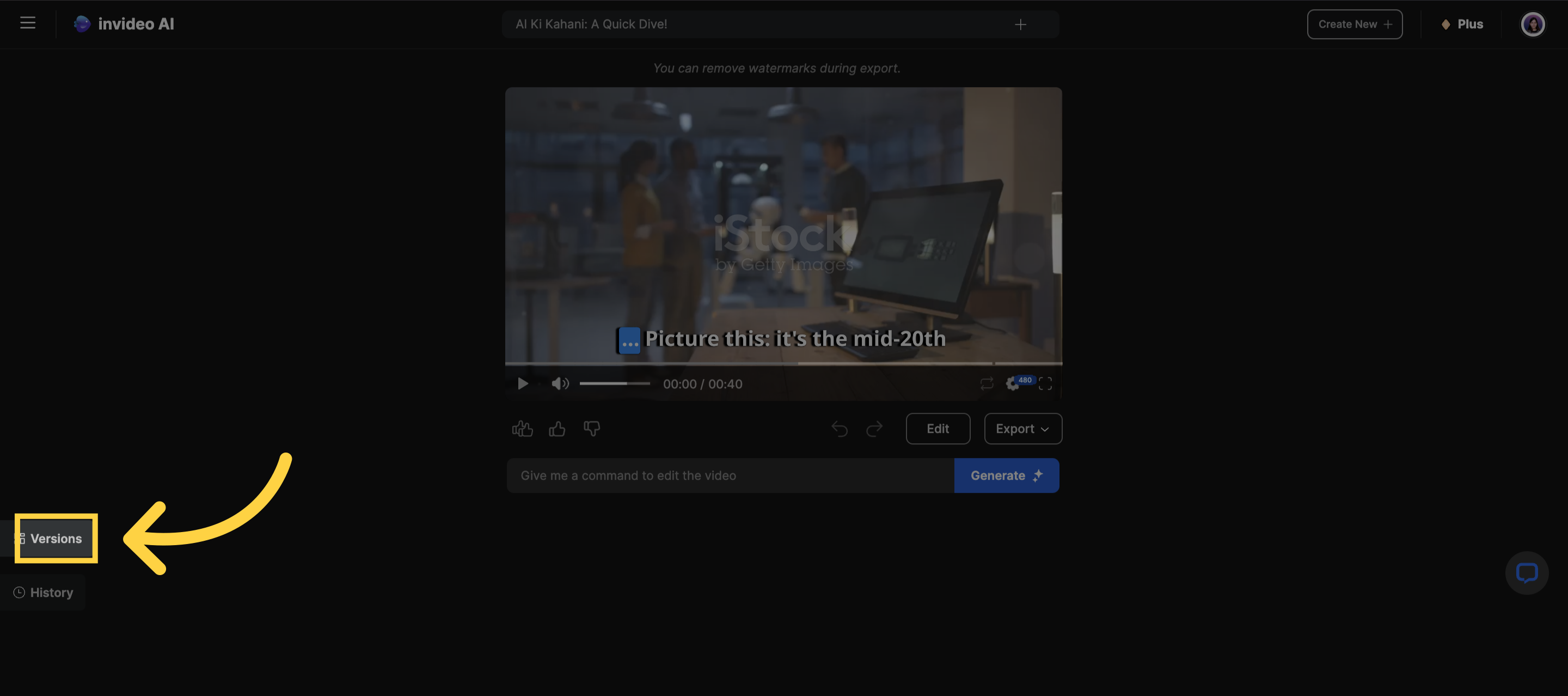)
Following that, select Edit Prompt to access the prompt box and make modifications.
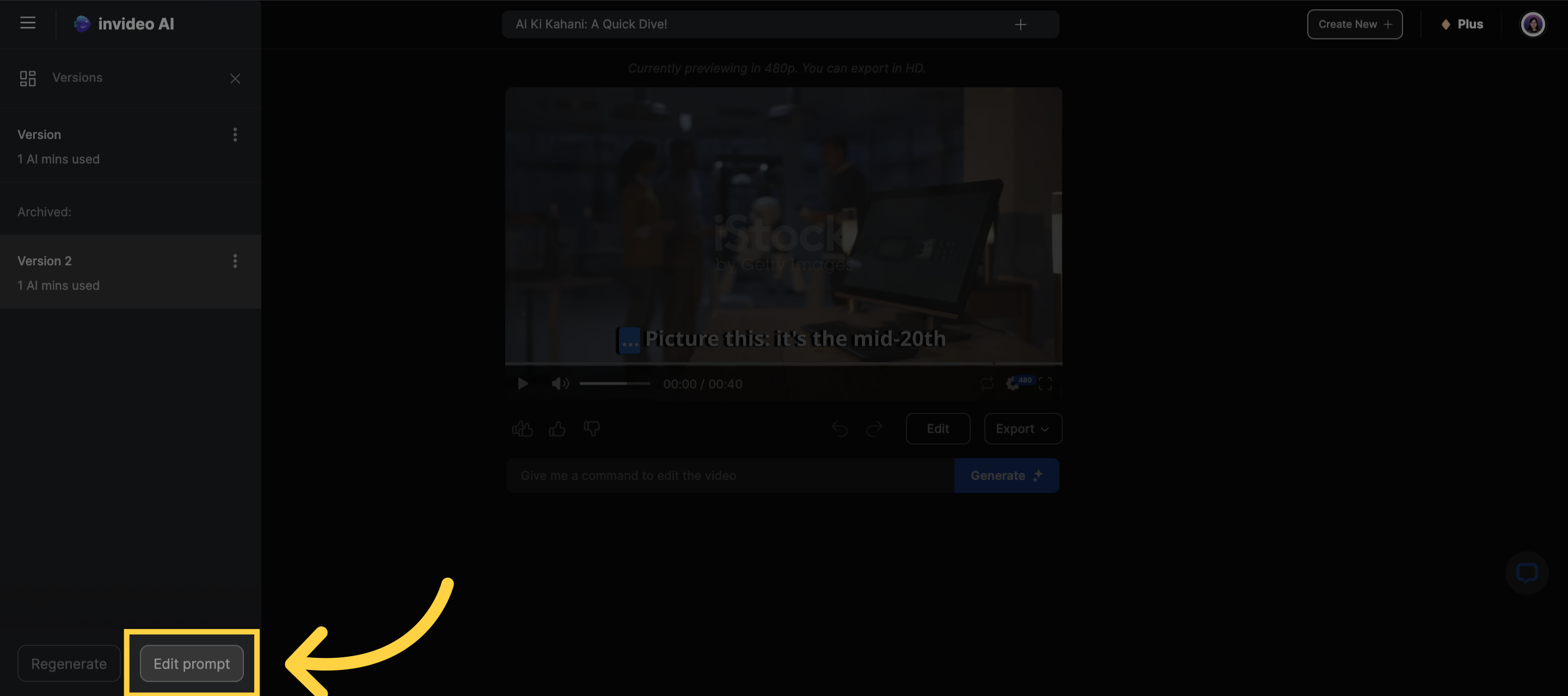)
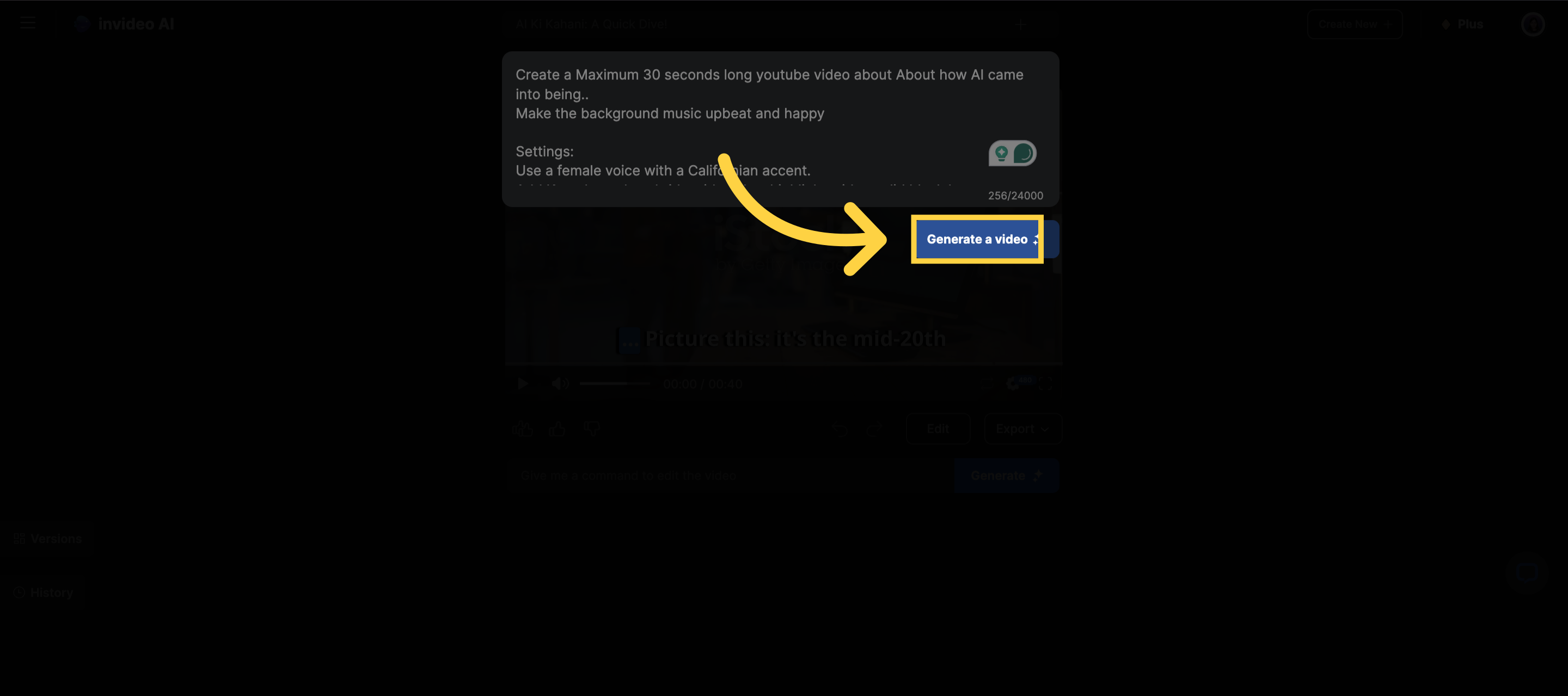)
Once you have made the changes, you can generate the video again.
Note: Regenerating from the prompt box will count towards your generation minutes, as it makes a new video for. You can always edit the script of the video as well and make changes as shown here.